

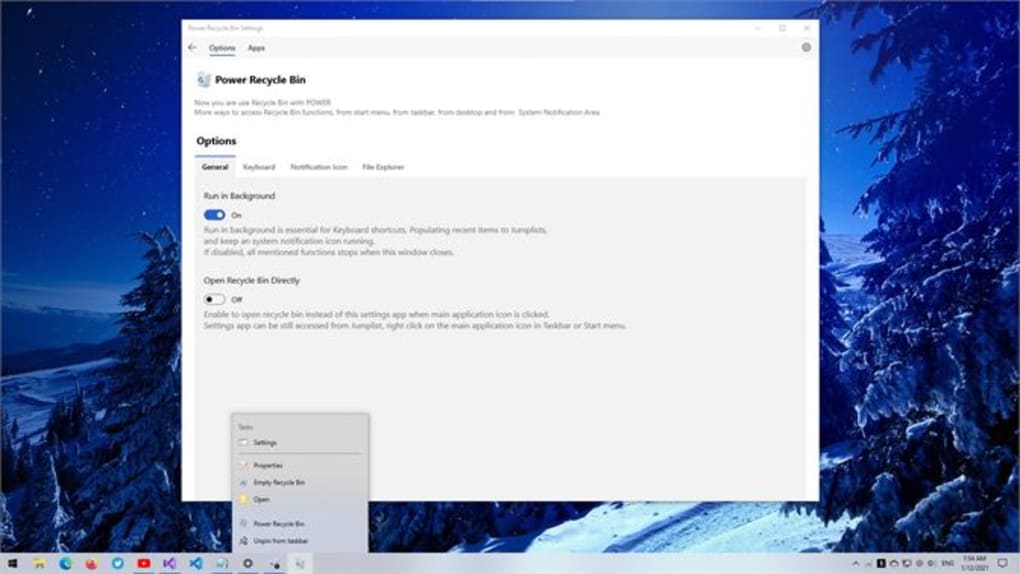
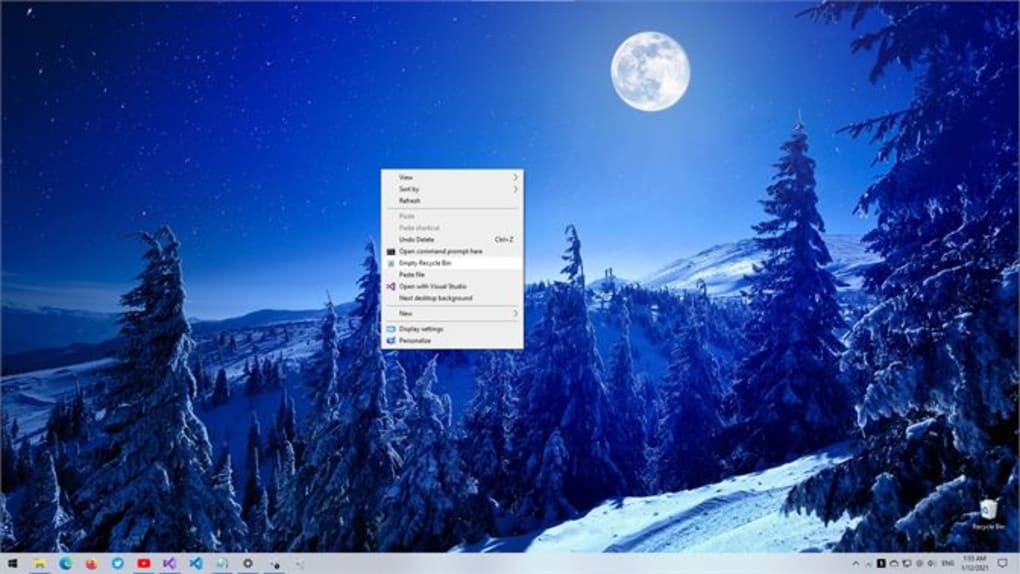

Download Power Recycle Bin – Free Data Recovery Tool for Windows, Mac, Android & iOS
Accidentally emptied your Recycle Bin? Don't panic. Power Recycle Bin is a powerful, secure, and user-friendly data recovery software designed to retrieve deleted files from your Windows, Mac, Android, or iOS devices.
Whether you've deleted important documents, photos, or videos by mistake, this reliable tool can restore them quickly and efficiently. With advanced scanning algorithms and a simple interface, Power Recycle Bin scans your storage drives for remnants of deleted files, even after the Recycle Bin has been emptied. It supports recovery from internal hard drives, SSDs, USB flash drives, memory cards, and external storage devices.
The software is lightweight, fast, and prioritizes data safety with no risk of overwriting recovered files. Download the free version today and regain access to your valuable data with confidence.
Power Recycle Bin: Your Ultimate Solution for Accidental Deletion
Life happens, and so do accidental deletions. One moment you're cleaning up your desktop, and the next, you've emptied the Recycle Bin—only to realize that crucial project files, family photos, or financial records are gone. This is where Power Recycle Bin steps in as a lifeline.
Unlike the standard Windows or Mac Recycle Bin, which offers limited recovery options and only works if the bin hasn't been emptied, Power Recycle Bin specializes in deep data recovery. It works by scanning the raw data sectors of your storage device, searching for deleted file signatures and fragments that the operating system has marked as available but not yet overwritten. The software employs sophisticated algorithms to reconstruct file structures and restore them to their original state.
Whether you're a student, professional, or casual user, Power Recycle Bin provides a straightforward, step-by-step recovery process that doesn't require technical expertise. Its intuitive interface guides you through selecting the drive, initiating a scan, previewing recoverable files, and restoring them to a safe location. The tool is particularly effective for files deleted within the last 72 hours, but even older deletions have a chance of recovery if the space hasn't been reused.
By downloading Power Recycle Bin, you're investing in peace of mind—knowing that your data isn't truly lost after a simple mistake.
Advanced Features & Seamless Compatibility Across Devices
Power Recycle Bin isn't just another recovery tool; it's a comprehensive data rescue solution packed with intelligent features. One of its standout capabilities is deep scan technology, which goes beyond surface-level recovery to hunt for files in unallocated space and damaged partitions. It supports multiple file types, including documents (DOC, PDF, XLS), images (JPG, PNG, RAW), videos (MP4, AVI), audio files (MP3, WAV), and archives (ZIP, RAR).
The preview function allows you to view files before recovery, ensuring you only restore what you need. For users with large storage drives, the smart filtering system lets you search by file name, type, or date, drastically reducing recovery time. Power Recycle Bin is compatible with a wide range of devices and operating systems.
It works seamlessly on Windows 10/11, Windows 8/7, macOS Ventura, Sonoma, and Big Sur, as well as Android 8.0+ and iOS 12+ devices. The mobile app syncs with your computer via Wi-Fi or USB, enabling recovery from smartphones and tablets. The software also includes safe recovery mode, which prevents overwriting existing data during the recovery process.
For businesses, the batch recovery option allows restoring multiple files at once. Regular software updates ensure compatibility with new file formats and security patches. With a minimal system footprint, Power Recycle Bin runs efficiently without slowing down your device.
Whether you're recovering a single photo or an entire project folder, the tool delivers reliable results with minimal effort.
Easy Installation, Simple Usage & Proven Reliability
Getting started with Power Recycle Bin is a breeze, even for non-technical users. Begin by downloading the free version from the official website—ensure you're using a secure, ad-free source. The installation process is straightforward: run the installer, accept the license agreement, choose your installation directory (the default is recommended), and click "Install." Once installed, launch the application.
The main dashboard presents a clean, organized layout with clear options: "Recover Files," "Scan Drives," and "Settings." To recover data, select "Recover Files," then choose the drive or device you want to scan—this could be your C: drive, an external USB, a memory card, or a connected Android/iOS device. Click "Start Scan," and the software will begin analyzing the storage. Scanning time varies based on drive size and speed, but progress is displayed in real-time.
After the scan completes, you’ll see a list of recoverable files organized by type and location. Use the preview feature to verify files before recovery. Select the files you want, then click "Recover." Choose a safe destination folder—never save recovered files back to the original drive to prevent data overwriting.
The recovery process is quick, and you’ll have your files back in minutes. Power Recycle Bin also includes a recovery log that tracks all actions, useful for troubleshooting or future reference. For added security, the software supports password protection for recovered data.
Its reliability is backed by thousands of satisfied users who have successfully recovered irreplaceable data, making it a trusted choice in the data recovery community.
Pros, Cons & Frequently Asked Questions (FAQ)
- Pros: Deep scan technology, supports all major file types, user-friendly interface, compatible with Windows, Mac, Android, and iOS, free version available, safe recovery mode, fast scanning, preview function, regular updates.
- Cons: Advanced features locked in the paid version, recovery success depends on whether data was overwritten, limited to one recovery session in the free version, requires a stable internet connection for updates.
Frequently Asked Questions (FAQ)
- Q: Can Power Recycle Bin recover files after the Recycle Bin is emptied?
Yes, absolutely. Power Recycle Bin is specifically designed to recover files even after the Recycle Bin has been emptied. It scans the raw storage sectors where deleted files are temporarily stored before being permanently erased. - Q: Is Power Recycle Bin safe to use on my computer?
Yes, Power Recycle Bin is completely safe. It operates in read-only mode during scans, meaning it never writes to your original drive. This prevents overwriting recoverable data and ensures your files remain intact during the recovery process. - Q: How long does the recovery process take?
Scanning time depends on the drive size and speed. A small SSD might take 5-10 minutes, while a large external hard drive could take 30-60 minutes. The software provides a real-time progress bar to track the process. - Q: Can I recover files from a formatted drive?
Yes, Power Recycle Bin can recover files from formatted drives, provided the formatting was not a full format (quick format is sufficient). However, the success rate decreases if the drive has been heavily used after formatting. - Q: Is there a free version available?
Yes, Power Recycle Bin offers a free version that allows you to scan drives and recover up to 500MB of data. For larger recoveries or advanced features, the paid version is available at a competitive price.
Conclusion: Don’t Lose Your Data – Download Power Recycle Bin Today
Accidental file deletion is a common digital nightmare, but it doesn’t have to be permanent. Power Recycle Bin is a robust, secure, and efficient data recovery tool that gives you a second chance to retrieve lost files from your Windows PC, Mac, Android phone, or iOS device. With its advanced deep scan technology, intuitive interface, and broad compatibility, it stands out as a top choice for both beginners and experienced users.
The free version offers powerful recovery capabilities, while the paid upgrade unlocks unlimited recovery and premium features. The software is regularly updated to maintain security and performance, ensuring it remains a reliable ally in data protection. By downloading Power Recycle Bin, you’re not just getting a tool—you’re gaining peace of mind.
Whether you’ve emptied the Recycle Bin by accident or lost files due to a system error, this software is your best bet for recovery. Don’t wait until it’s too late. Download Power Recycle Bin now for free and protect your valuable digital memories and work.







